
Setting up a Simple Home Recording Rig, Pt. 1
How to record music in your home
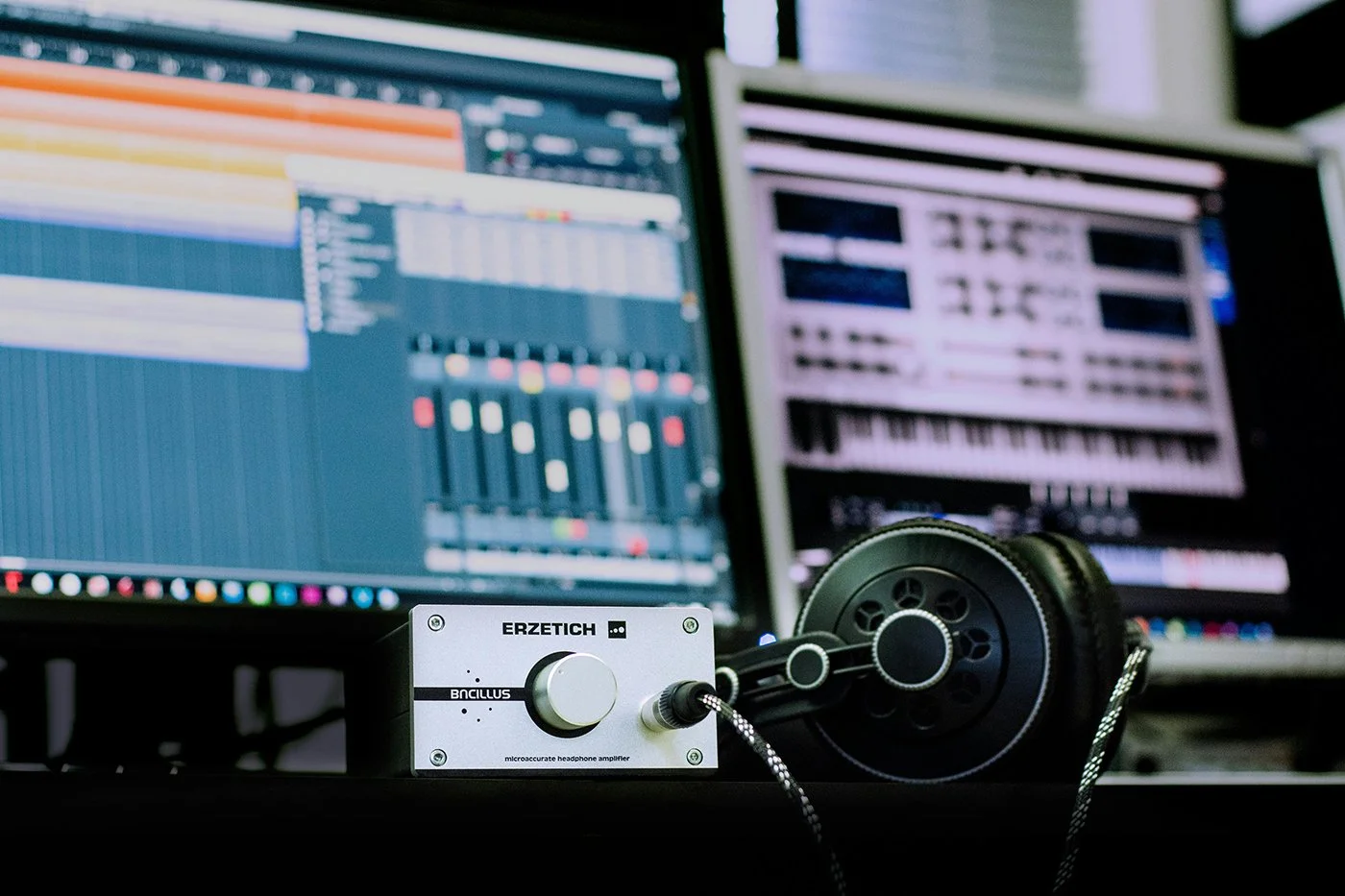
Back in the day if you wanted to get a decent recording of yourself or your band, you’d have to go to an expensive studio. Today with incredibly powerful computers being so accessible (like the one you’re reading this article on) and with the prices of recording technology being low, it’s easy for everyone to record at home. Today we’re going to look at what you need to get a basic recording set-up of your own using a computer or laptop. Next week we’ll look at recording with your mobile device.
What you need to record with your computer:
1 - A Computer/laptop
You probably already have some sort of computer or laptop around your house. However if you’re looking to buy one, here are some things that important to look for in a good computer for audio recording. I’m not going to go into Mac vs. PC here but rather briefly mention some specs you should be aware of.
CPU – Your computer is the brains behind your whole rig, and the CPU is the brains behind your computer. Get the fastest processor you can, but you’ll want at least a dual core CPU.
Memory – RAM (random access memory) is essentially where your computer stores data before it’s processed. So if you’re testing out a lot of different effects on different tracks, you’ll need a lot of RAM. Fortunately RAM is relatively inexpensive and is easy to upgrade/add-on. Try for at least 16GB.
Hard Drive – High quality audio files take up lots of storage, so you’ll need lots of hard drive space.
Monitor size – For me personally it sometimes gets difficult starting at a screen for long periods of time when I’m mixing, so I think it’s important to have a nice monitor, but you may disagree.
2 – An Audio Interface
Now you need a way to get whatever you’re recording into your computer. To do this, you’ll need an interface. There are plenty on the market and it’s easy to find “Top 10 Best Interface” lists online.
To start off, you probably won’t need more than 2 channels. Make sure your interface has an XLR (microphone) connection and a 1/4 inch cable connection (for guitars, keyboard, bass, etc). Also make sure that it can supply phantom power to condenser microphones. If you don’t know what that means, it’s fine just look for a button/something that says “48V”.
I have personally used the PreSonus 2x2 Audiobox USB for a long time. It was my first interface which I still use. Not only is it a great interface but the company is also from Louisiana, so of course I’m gonna promote them. It also comes with a free copy of Studio One, which is a great DAW.
“Today with incredibly powerful computers being so accessible and with the prices of recording technology being low, it’s easy for everyone to record at home.”
3 – A DAW (digital audio workstation)
A DAW is a computer program or app that allows you to record and edit multi-track audio. There are tons of great ones such as Studio One, Pro Tools, Logic, Garageband, etc. I’m not going to discuss which is better as that is completely subjective. All of them will get the job done for you.
4 – A Microphone
Last but not least, you’ll need a microphone. If you don’t have one, then I can’t recommend the classic Shure SM58 enough. It’s been the industry standard microphone for decades. Not only do they sound great, but they are famous for their near-indestructible build quality. They costs $99 new, but you can find extremely good deals on them used.
Don’t forget to get an XLR (mic) cable as well and a mic stand should you desire.
There are tons of things you can add to your studio from here, but this is the bare minimum to get you started. Assuming you already have a computer/laptop, this puts your startup cost around $210 and that’s not bad at all. I’ll include links below to the mentioned items.
PreSonus Audio Interface w/ StudioOne software $99.99 (link)
Shure SM58 bundle w/ mic stand and cable $109.99 (link)
Next week, we’ll look at recording music on your mobile device.
Written by Mike Hilbun